Agenda
You have a lot of little things to do to get ready for today’s class. Make sure not to spend more than 1 hour getting R and RStudio installed.
Please bring your laptop to school if you plan to use it for your homework and projects.
Configuring computers for use in data reporting is one of the most frustrating things that we do. Everyone’s computer seems to be set up slightly differently, depending on exactly which version of which operating system you have and when you’ve last installed various helpers.
Don’t get frustrated and don’t try to Google your way out of it — it’s not worth your mental energy and you might make things worse. Just stop and bring your laptop to class, where we can troubleshoot together.
Upcoming deadlines
Friday (in Canvas):
Complete the R and RStudio installation assignment in Canvas. You might be able to do this in 10 minutes, but sometimes there are glitches. This deadline gives us time to resolve any issues before they thwart your work.
Cronkite Academic Integrity pledge
Wednesday, Jan. 17 :
- What would you do? Reporting live election results. Note the 10:00am deadline.
Preparation
Learn a new way to read
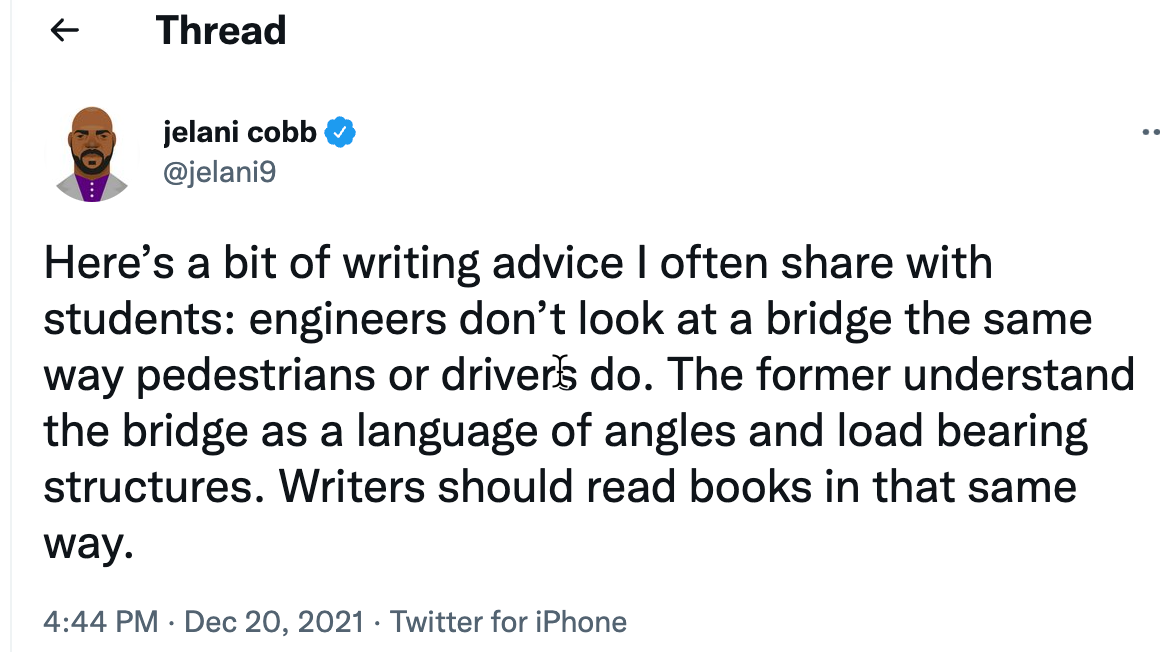
Today’s lab is geared at learning how to read and view journalism as a writer and producer, by closely examining HOW a story was conceived and executed rather than whether you liked it or thought it was “good”. This reading gets you ready for the lab:
Story
- Rural Aid goes to Urban Areas This is a pdf of a very old story from the Washington Post. I use it not because it’s great, but because it is reasonably short and remains one of the most straightforward examples of investigative data reporting that I know of. This is a classic example of using administrative records to find anecdotes and examples for stories, then aggregating them into broader statistical findings. Pay attention to the elements that make this story work – the data sources, examples used, use of experts to define classifications, and the public records mentioned. Make sure to read the methodology notes on the second page.
Try to install R and RStudio
You’ll have to finish this by Friday, but try to get it done before class. That way I can help you if you run into trouble.
Complete the installation tutorial in the textbook , including the videos linked at the top. You don’t have to answer the questions after the videos.
If you plan to use your own laptop or desktop:
- Get as far as you can with the installation
- Try starting up RStudio (not R).
- Note any error messages or other troubles you have so we can fix them in class. Don’t try to Google the resolution on this – the answers might create more problems than they fix. I’ll help you at the end of class.
If you are going to use something else:
Labs in school: Make sure you know where you will use the software and have tried starting it. Please let me know if the lab is not set up as you might expect.
Posit Cloud : Sign up for the service and make sure you know how to access it in class. It’s not the great alternative that it seems. In particular, students have had it eat their work in the past and submitting your homework will be more difficult. You’ll probably have to start paying before too long. But it is OK for the first few days as we get you set up for the future.
Set up your course folders / hard drive
Be sure to follow along with the setup instructions at the end of the chapter, no matter how far you got in the installataion. DO NOT expect to use Google drive to store your work – it won’t work. We’ve tried.
Your maij-working folder should be somewhere on your computer or portable drive that you can find it every day. My suggestion is within the “Documents” folder, but you may need to adjust that if you use Dropbox or are using a thumb drive.
Follow up materials
When we do something in class that you didn’t have to do beforehand, I’ll often list some links here to remind you of what we did, or to clarify areas that might have been confusing.